Zooming in every time I click a waypoint
-
Hello, I would like to disable the feature that aggressively zooms in every time I click on a waypoint (for example, to delete it). It's annoying because I have to zoom back out afterwards to keep editing. Is there a way to do this? I am using the web browser version on a desktop computer.
-
@Anonymous-6v
Remove the waypoint from the map (right click on the waypoint) not from the list of points. The map will then not zoom out and will remain in the same position -
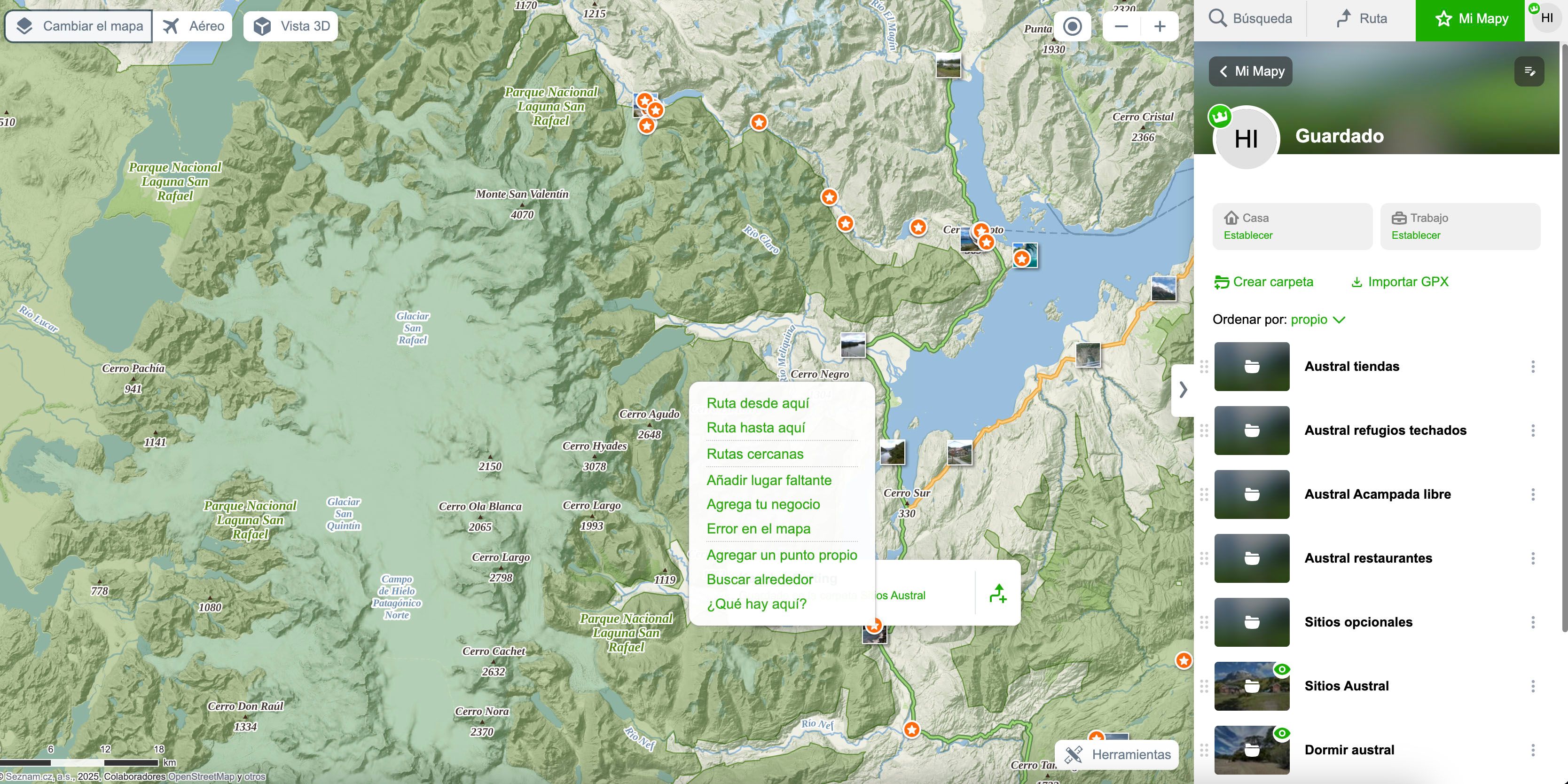
@Jan-Kuchař Thank you for your reply. However, when I right-click on a waypoint, the context menu options do not include anything like “delete from this folder”. I have attached an image. The text is in Spanish, sorry about that.
-
@Anonymous-6v
I thought you meant removing a waypoint from a planned route.
If you want to delete a point that is only stored in a folder, don't click on it, but click on the three dots and select delete from the menu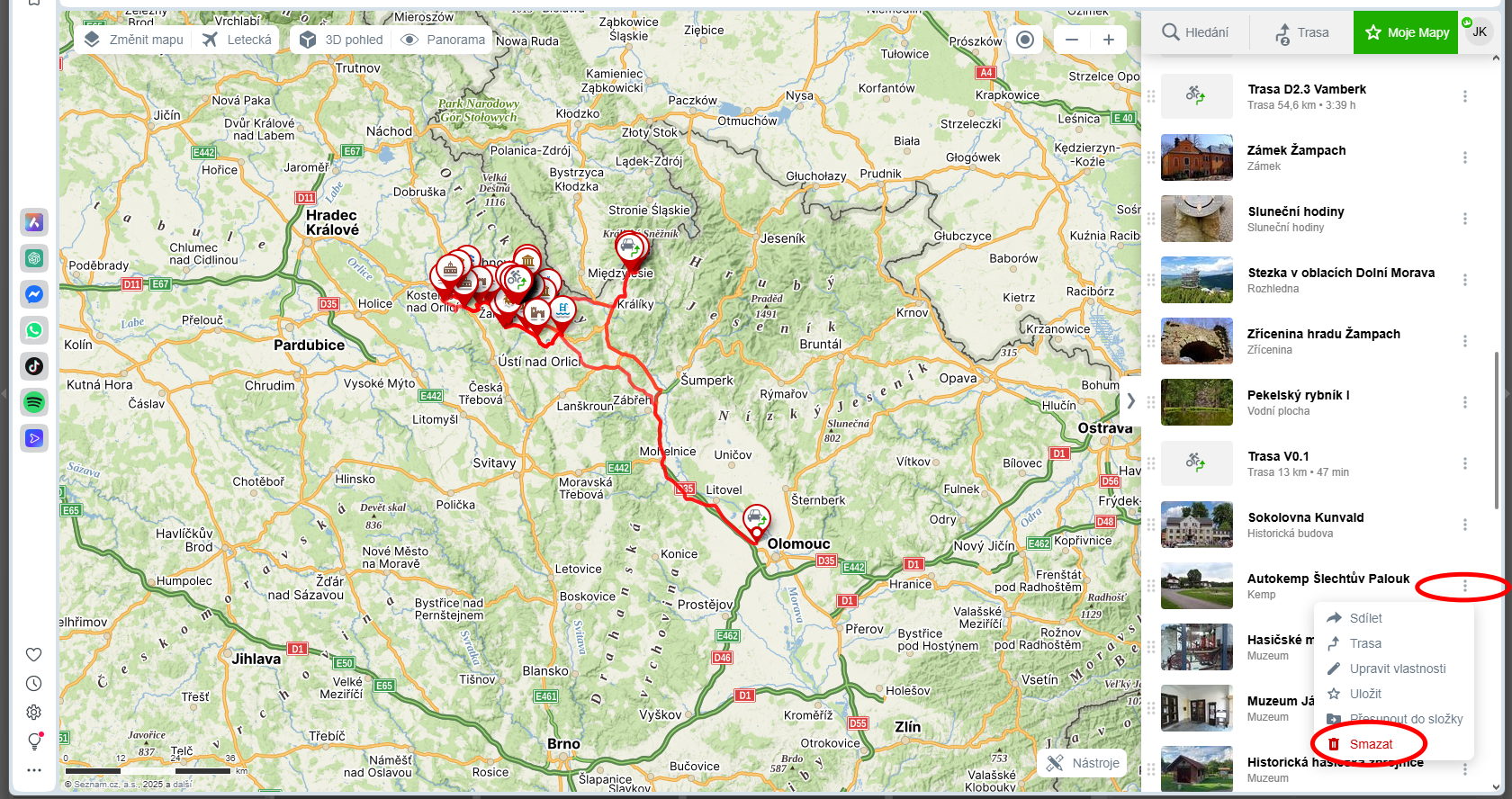
-
Thanks for your reply. OK, so it doesn't zoom in this way. I guess there's nothing we can do about it now, but it would be nice if, as you move around the map, the waypoints in the list on the right-hand panel were updated according to what you're seeing on the map, or if there was a right-click option to delete them. Because if you have a lot of waypoints, it's not very practical and you end up having to click on the waypoint to delete it (with the zoom problem).
Hello! It looks like you're interested in this conversation, but you don't have an account yet.
Getting fed up of having to scroll through the same posts each visit? When you register for an account, you'll always come back to exactly where you were before, and choose to be notified of new replies (either via email, or push notification). You'll also be able to save bookmarks and upvote posts to show your appreciation to other community members.
With your input, this post could be even better 💗
Register Login