Create Route with own waypoints
-
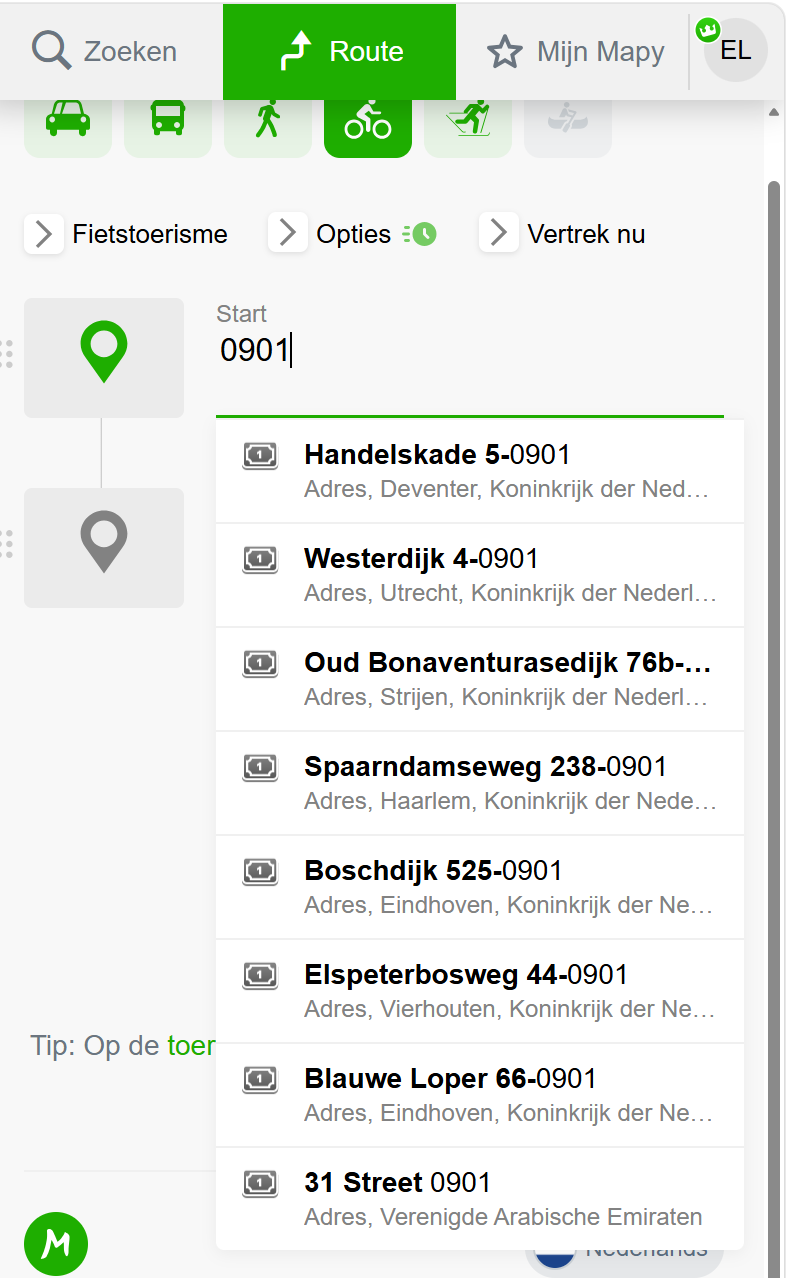
I just created two waypoints, and saved them in a submap for my current trip. On Sept. 1st, I land in Schiphol, and I want to use Mapy.com to create two possible routes leaving the airport. One is going north from the airport, the second option is going south from the airport.
However, when I start creating a route in Mzpy.com, and type 0901 in the Start field, then I get a list op possibilities but the waypoints that I created myself (starting with 0901) do not show up in the list. I would expect them to appear at the top of the list.
What's happening? Am I doing something wrong?
I have created routes in a similar way now during my trip in Japan, and did not have this problem.
Hope someone can help? Thanks!
Erik (Belgium) -
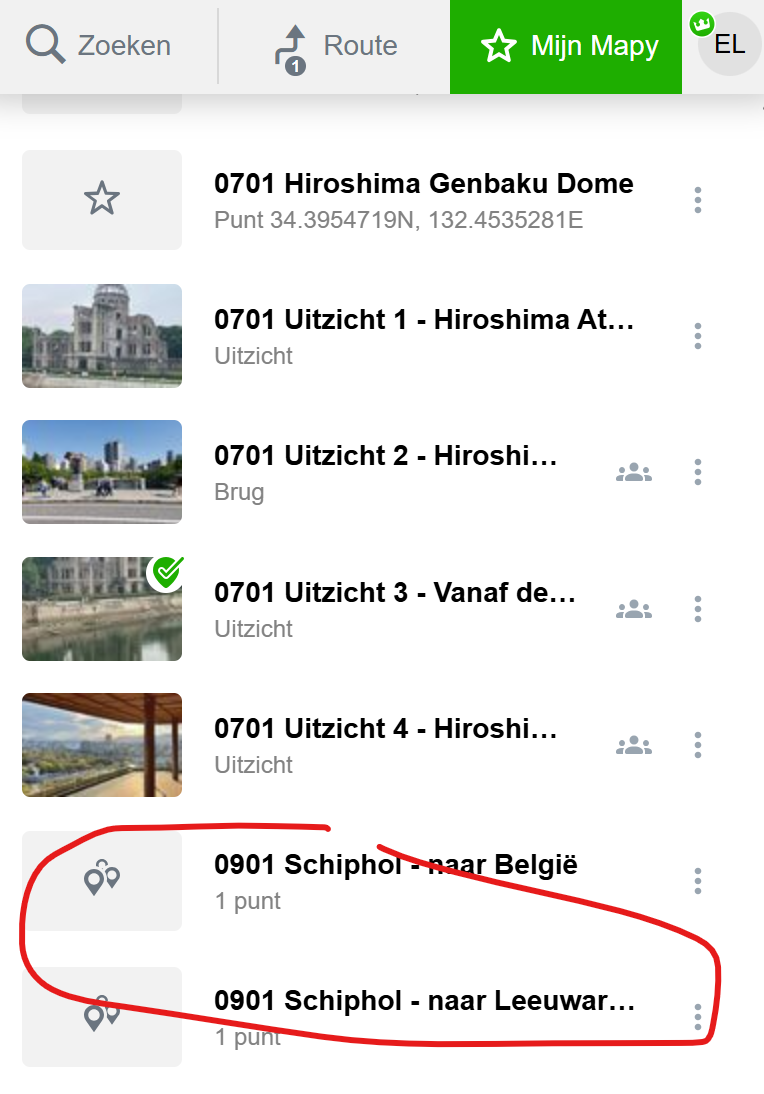
I notice that the icon in front of the newly created waypoints (saved in Mapy) is like two location markers, as if it is a route, and not a single point. Normally, the icon in front of waypoints is the star used for favorites.
That's weird...
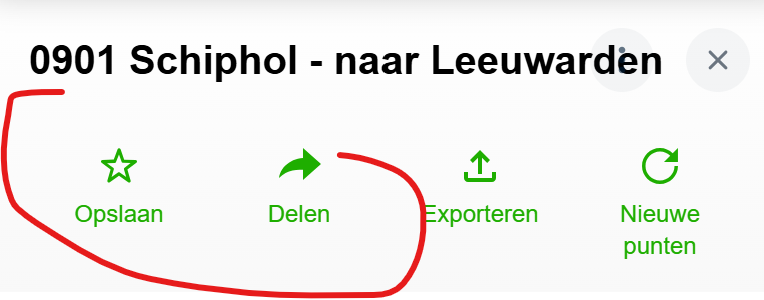
Also, when I click the newly created waypoint, there is no option to create route, while with older waypoints that I created (0701 Uitzicht 4) there is the option to create a route...
Maybe these observations will be helpful to figure out what is wrong with the newly created points?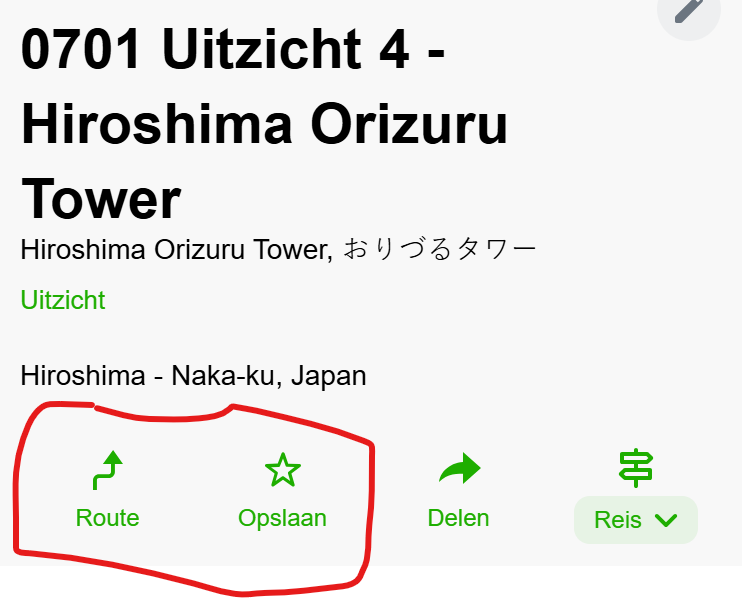
-
@Erik-L.
There is a difference between a custom-created point and a saved point (POI) that is already on mapy.com. I think the planner won't be able to find a custom point.
Hello! It looks like you're interested in this conversation, but you don't have an account yet.
Getting fed up of having to scroll through the same posts each visit? When you register for an account, you'll always come back to exactly where you were before, and choose to be notified of new replies (either via email, or push notification). You'll also be able to save bookmarks and upvote posts to show your appreciation to other community members.
With your input, this post could be even better 💗
Register Login