Compass mode
-
In this mode it looks like the map is rotating based on the magnetic compass. Can you make rotate the directional arrow only instead of the whole map just like in Google Maps? It's completely useless the way it's now.
-
@Adam-Stormguard Hi, in Settings - Navigation - Map view: 2D, you can enable North always at the top. This feature might be helpful for you.
-
@Ewelina Hi Ewelina,
Yes it works perfectly the way you suggested I know. The problem is I want the directional arrow to lead always up the map ( just like in mavigation mode where yoiu"ve got A and B points set) and when you set arrow north always at the top the arrow goes everywhere, down, sideways etc of course it only happens when not navigating only following your position on the map in free mode.. I'm just used to the way Google Maps, Komoot and other apps do it as it's very convenient.. I hope it's something that can be fixed
-
If I understand correctly, you're referring to the second tap on the location button, which enables the compass mode and rotates the entire map according to your heading.
If you tap the location button only once, the map stays north-up and simply follows your current position. In this mode, the blue location marker already includes a small directional arrow that points in the direction indicated by the compass, while the map itself does not rotate.
So the behavior you're requesting is actually already available. The only difference is that the directional arrow is quite small and can be easy to overlook compared to the blue location dot.
-
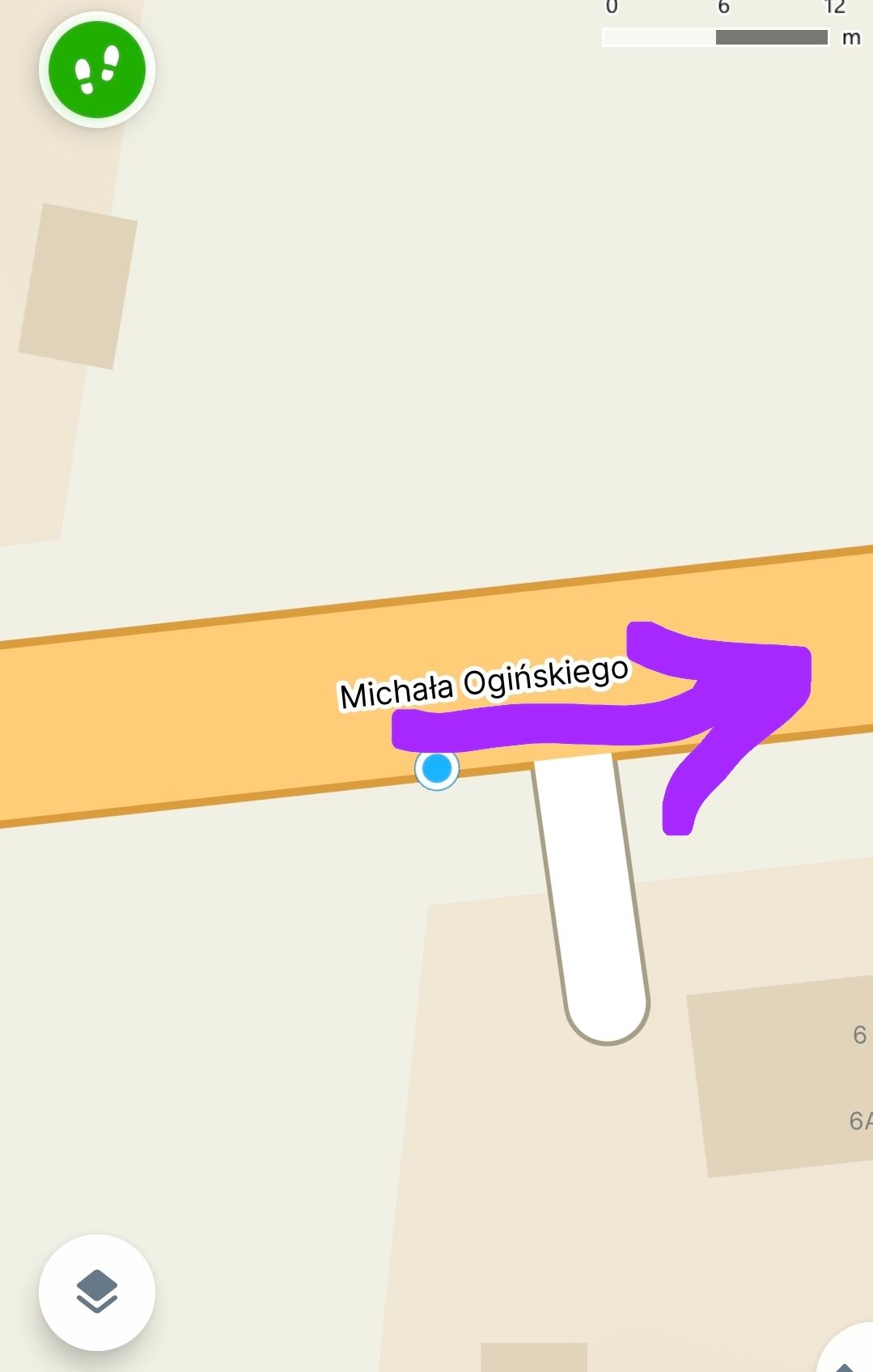
@Jan-Buriánek What I want is for my direction of travel to always move up the map..(picture1) Unfortunately, the map spins wildly, making it hard to track my position. However, if you set it up the way you described, the direction of travel ends up moving downwards, sideways, or sometimes upwards.(picture 2) It would be better if it worked like Google Maps.
PS You can manually rotate the map but it works perfectly only to the point the arrow reaches the edge of the screen because the map doesn't scroll anymore and the arrow just gets big..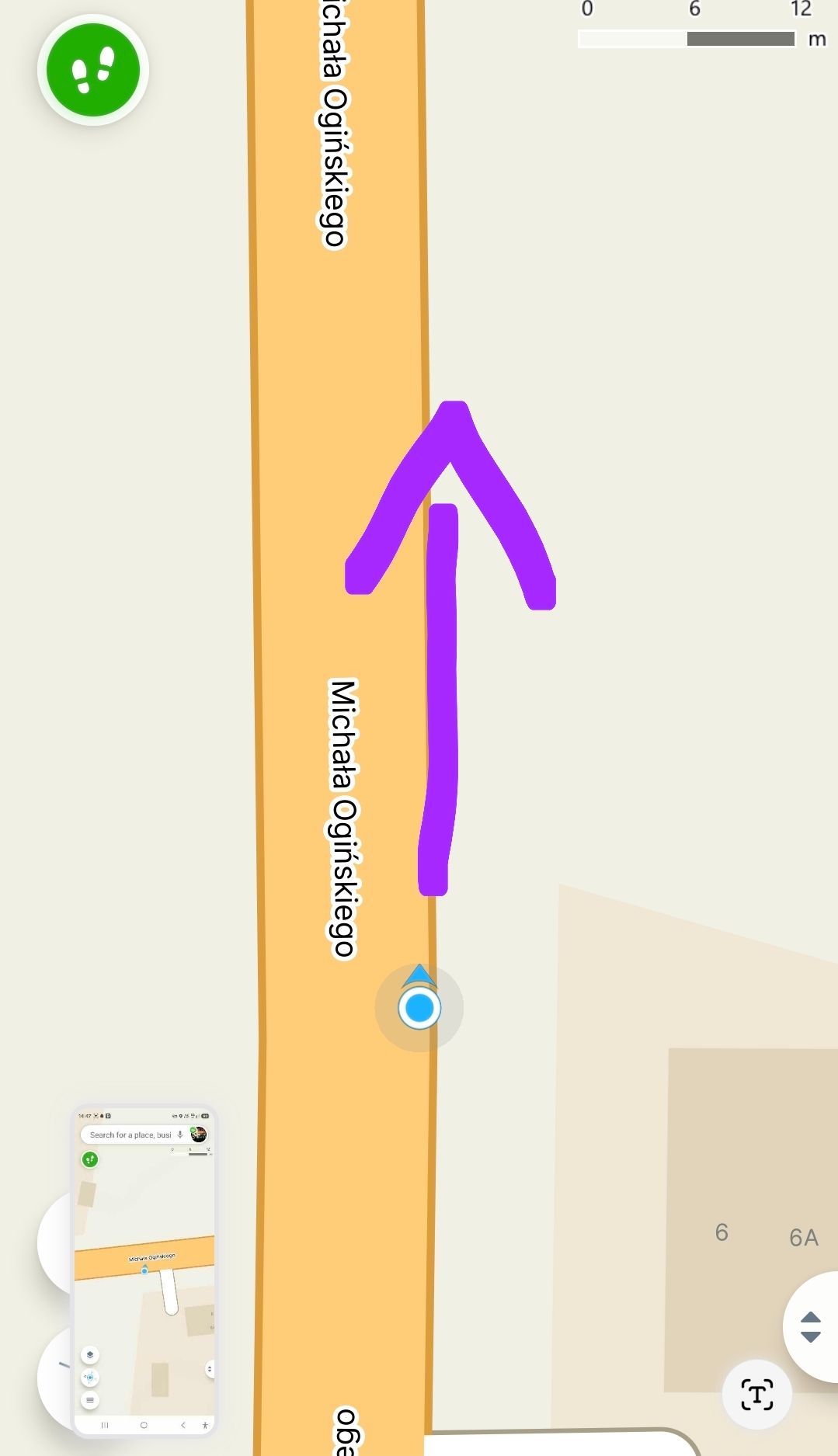
Hello! It looks like you're interested in this conversation, but you don't have an account yet.
Getting fed up of having to scroll through the same posts each visit? When you register for an account, you'll always come back to exactly where you were before, and choose to be notified of new replies (either via email, or push notification). You'll also be able to save bookmarks and upvote posts to show your appreciation to other community members.
With your input, this post could be even better 💗
Register Login