Map's shaking around..
-
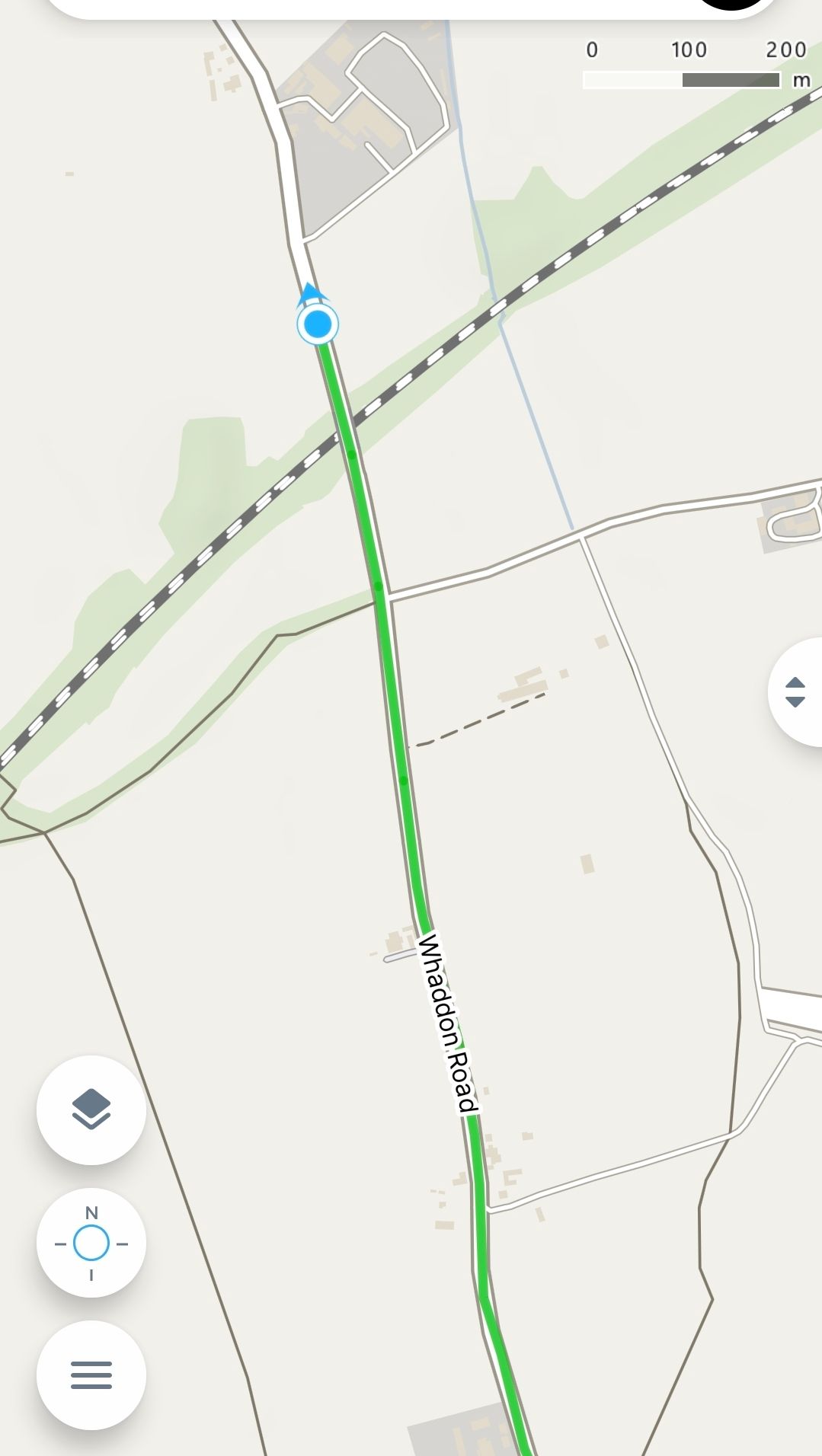
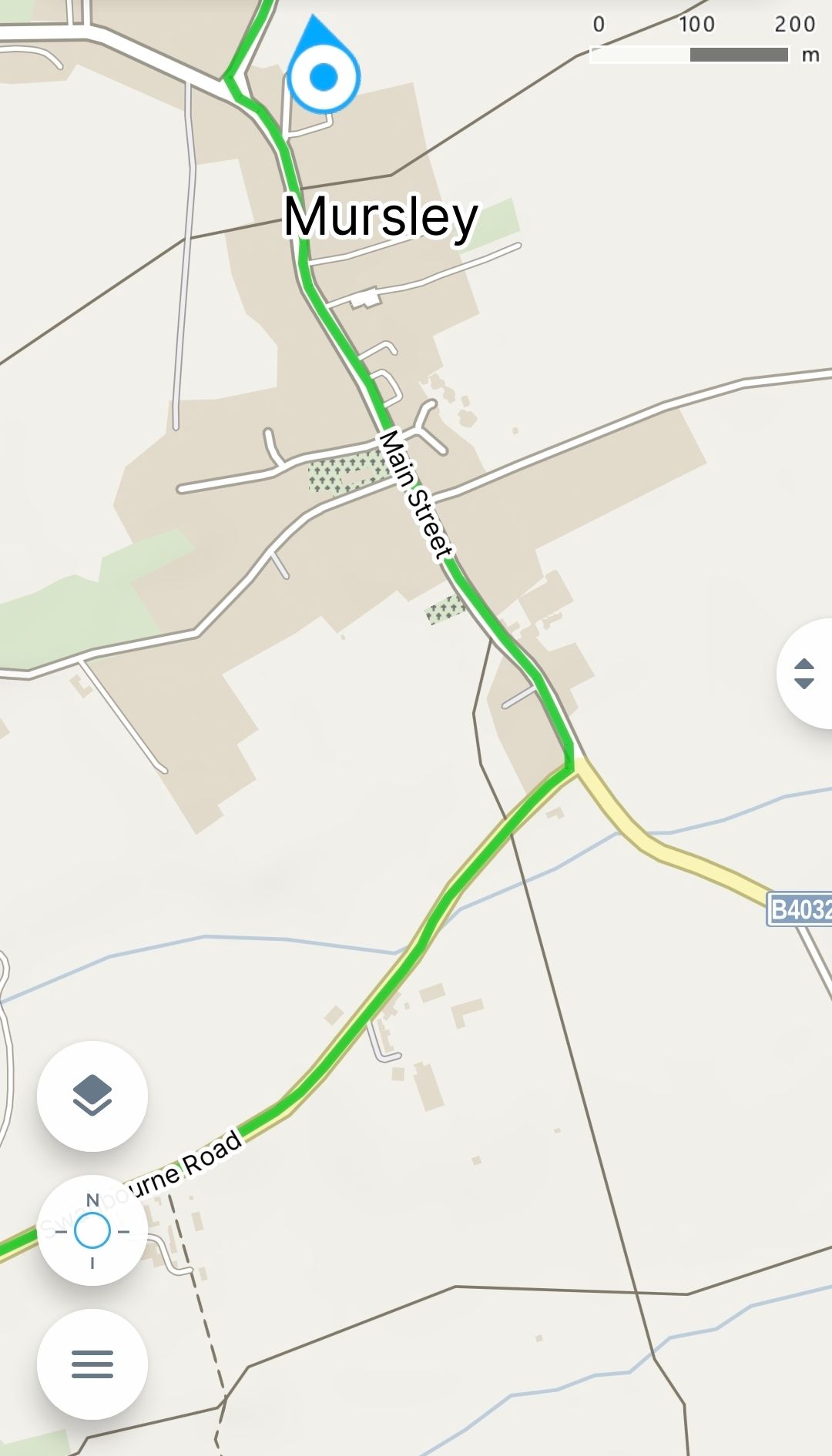
Every time I try to record a route and want the arrow to move up the map, the map starts to shake and shakes constantly. If I manually adjust the map, the arrow reaches the edge of the screen, but maps doesn't move any further. Google Maps and other apps don't have this problem. Can you fix this?
-
By “shaking,” do you mean the map slightly rotating back and forth, like quick small rotations?
I assume you’re referring to the mode you get after tapping the centering icon twice. The first tap centers the map, so your position stays in the middle while the map moves underneath it. After the second tap (from this first mode), it switches to another mode — the map both moves and rotates according to your direction.
This rotation is based on the compass if you’re not moving steadily, so it may keep slightly rotating back and forth (“shaking”?). Once you’re moving continuously, the direction is determined by GPS and becomes more stable. Slow walking can be a bit problematic here.
What exactly do you mean by “shaking”?
-
@Jan-Buriánek When I open Google Maps, the arrow moves in up direction , which is very convenient for me. Unfortunately, the Maps.com app doesn't offer this option. When I set the cursor to a fixed north position, everything works fine; the map scrolls smoothly, but the arrow moves down or sideways because north is fixed. When I set it differently, the map rotates around the arrow in different directions in a shaking way
I 've tested it on bicycle and in a car
Hello! It looks like you're interested in this conversation, but you don't have an account yet.
Getting fed up of having to scroll through the same posts each visit? When you register for an account, you'll always come back to exactly where you were before, and choose to be notified of new replies (either via email, or push notification). You'll also be able to save bookmarks and upvote posts to show your appreciation to other community members.
With your input, this post could be even better 💗
Register Login