Samsung smartwatch
-
We look forward to the solution, thank you.
(S26 ultra with S Galaxy Watch 7 44mm) -
same problem..., s23 and galaxy watch ultra
-
Hello, same issue for Redmi9 and Xiaomi Watch 2. I hope You will work it out soon. Thanks in advance. Adam
-
Seems like I've also got the problem 🫣
-
I have the app for my S22U and the app for my Watch 4. I have the premium version of mapy.com.
I was hoping the navigation would also display on the Watch 4, just like it does with Google Maps. Of course, I granted all the necessary permissions to the apps and logged in with the same account. Unfortunately, the navigation doesn't transfer to the watch when I run it on my phone. The display still says "PLEASE ENTER THE ROUTE IN YOUR PHONE." -
@Sebastian-Rynkowski We are all waiting for the fix
 🤟
🤟 -
@Adam-Stormguard. The new Wear OS version 26.7.1, which includes the fix, is now available.
-
@Jakub-Faifer Thx. It's working perfectly now

-
It works perfectly, thanks.
-
Hi! On my watch map, I can't see the navigation route either—just the online map itself. The dashed route plan isn't coming through from the phone. Above the online map, the directional arrows are working now—is this supposed to be the watch navigation? This wasn't enough for me with Komoot, either. Sorry if I missed something...
Galaxy Watch 9 44mm / S26 Ultra
-
Dobrý den,
v hodinkach samsung watch ultra 2 při spouštění appky píše" je potřeba mít stažené Mapy.com v telefonu". Při tom v telefonu funguje appka ok, a v menu "nastavení hodinek" samotné hodinky jsou zobrazene. Na wath 7 vše bylo ok. Potřebuji s tím pomoct. -
Mappy dont work on my new galaxy 2 watch
-
@Spriv I have the exact same issue with the same watch. As having mapy on my watch is the only reason for having a subscription I'm cancelling till this is sorted by mapy.

-
@Spriv Ano, vypadá to na chybu u nás, prověřujeme.
-
@Jakub-Faifer dobrý den, od soboty 5.9 26 mi nešly ukládádat udaje ze stopare z hodinek Samsung galaxy watch 8 do telefonu samsung s25. V horni obrazovce se ukazal symbol skrtnuteho telefonu. Po deinstalaci aplikace mapy.com v hodinkach i telefonu jsem nainstaloval nejaktulnejsi verzi. Po te se v hodinkach ukazuje viz priloha.
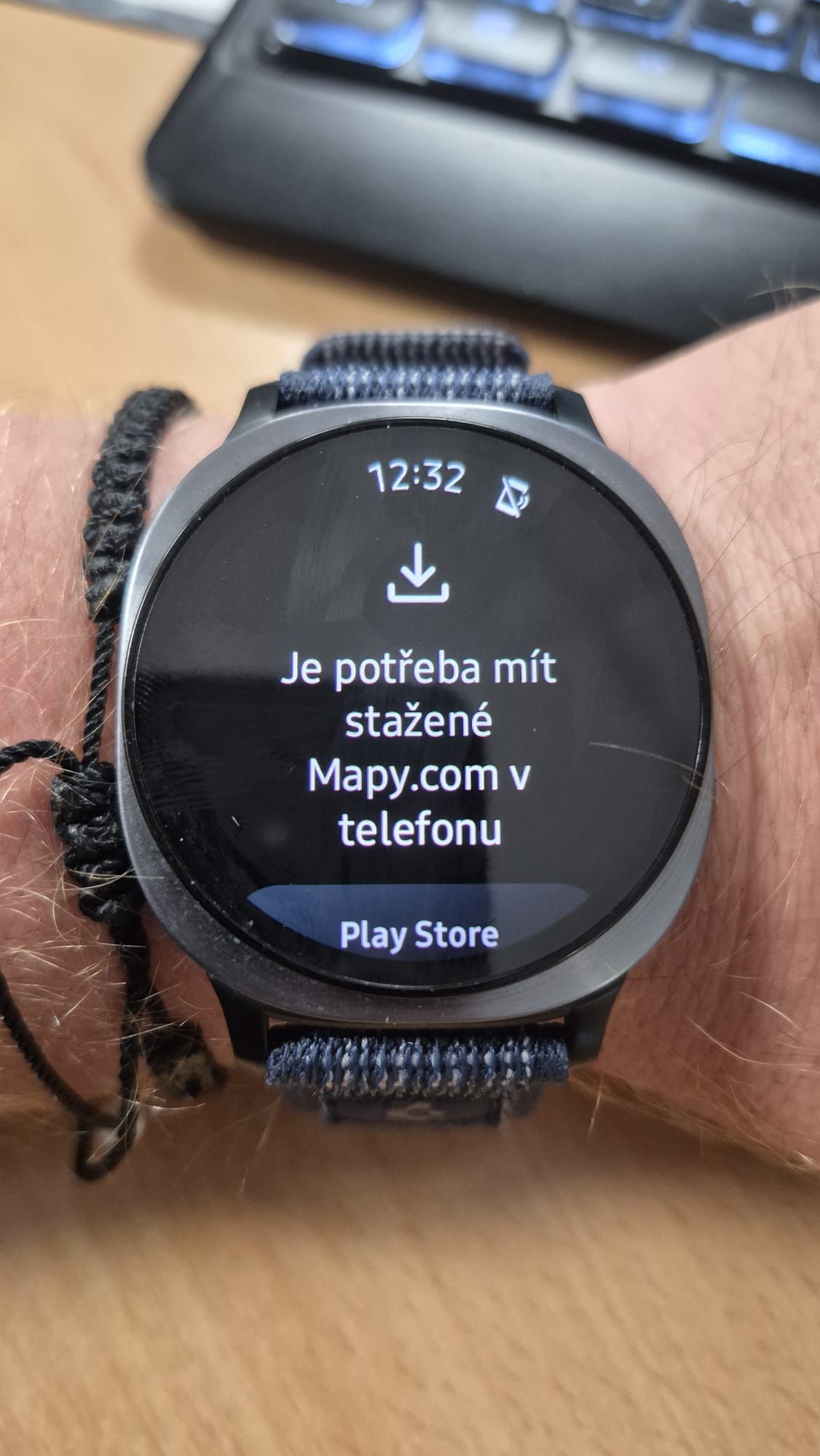
V patek probehla na telefonu aktualizace SW -
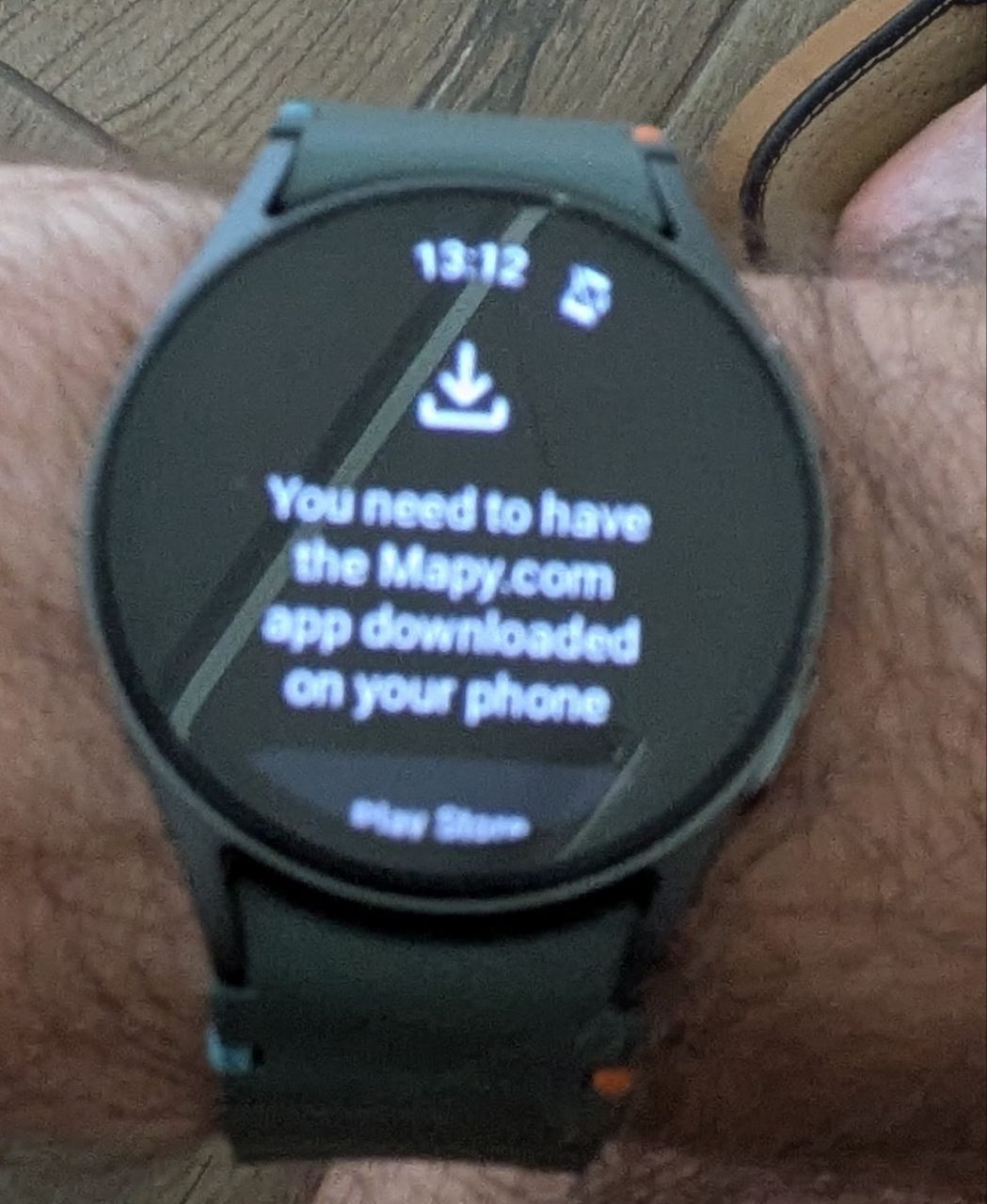
App Version (for smartphone 26.9.1).
Also have problem with smartwatch. It doesn't work.
SmartWatch: Galaxy Watch 7.
Phone: Pixel 8a.Sorry for the bad quality image.
-
Hi, I’m having a problem with Mapy.com and my Galaxy Watch 4.
Phone: Samsung Galaxy S25 FE
Mapy.com on phone: 26.9.1
Watch: Samsung Galaxy Watch 4
Mapy.com on watch: 26.7.1The watch is normally paired with the phone via Bluetooth, and Mapy.com on the phone correctly detects the watch as connected.
However, when I start navigation on the phone, nothing happens on the watch — it just stays on the watch face.
If I open Mapy.com directly on the watch, it says that the watch is not paired with the phone.
Is this a known issue with version 26.9.1? Is there any workaround, or should I just wait for an update?
Thanks!
-
@Vojtěch-Starý U mne zase po aktualizaci neuklada zaznamenanou trasu hodinky samasung watch 8 telefon samsung fold8 tvari se ze je to ulozene ale po otevreni na Fold8 v aplikaci mapy.com nic
-
Pořád nějakeé překvapení u mne zase po otevreni aplikace na hodinkách samsung Watch 8 tato hláška

-
S Standa Komínek referenced this topic on
-
Přestala fungovat navigace v hodinkách?Povolení a nastaveni mám aktivní. Aplikace hodinky vidí ale navigace v telefonu odkazuje na spuštění navigace, která už je ale spuštěna. Je tu prosím někdo kdo poradí aby vše fungovalo. Telefon Samsung S25 Ultra a hodinky Samsung watch 6 clasic.
Hello! It looks like you're interested in this conversation, but you don't have an account yet.
Getting fed up of having to scroll through the same posts each visit? When you register for an account, you'll always come back to exactly where you were before, and choose to be notified of new replies (either via email, or push notification). You'll also be able to save bookmarks and upvote posts to show your appreciation to other community members.
With your input, this post could be even better 💗
Register Login